Get your first local dashboard
Start before the terminal feels familiar. Install the prerequisites, run Fleetlens, and make one agent session appear.
Begin the walkthrough →Fleetlens documentation
Start with the Local Edition, then connect to Team Edition when you are ready.
Local-first · open source
Recommended learning path
Each page tells you who it is for, what you need, what success looks like, and where to go next.
Start before the terminal feels familiar. Install the prerequisites, run Fleetlens, and make one agent session appear.
Begin the walkthrough →Use the server URL and device token from your admin, choose what stays private, and confirm the first aggregate reaches Team Edition.
Pair a machine →Choose Railway for the fastest first deployment, then create the team and issue device tokens safely.
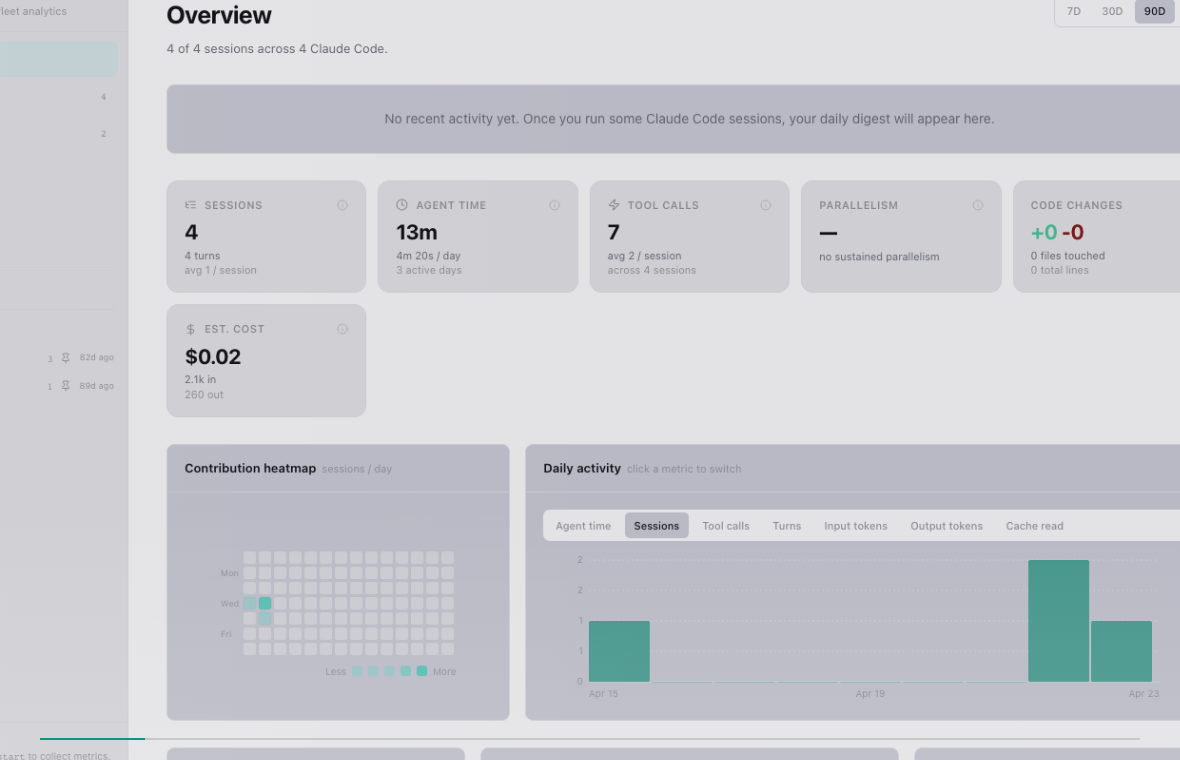
Open the admin guide →See what the dashboard can show, how each surface works, and where to go when you want more detail.
Explore local features →One mental model
Fleetlens reads the session history your agents already write, turns it into a common model, and keeps the boundary between local detail and shared rollups explicit.
Provider-local JSONL and session history are the raw input.
Adapters produce one common session shape across agents.
Agent time, projects, daily activity, cost, and concurrency are derived locally.
The local dashboard, entries, insights, and usage pages consume those results.
Selected project rollups can move to Team Edition after pairing.
Find the right dashboard surface and see the simple mechanism behind each view.
What is read, what is stored, what can be shared, and what never leaves a machine.
Daemon lifecycle, state files, updates, source builds, and symptom-first troubleshooting.